

Duel Casino App Download and Installation Guide for Mobile Users
On mobile, the smoothest Duel Casino App experience usually starts with choosing the right install path for your device. Some users will use a direct Duel App Download flow, while others may open the site in a browser and save it to the home screen. That difference matters because Android and iPhone handle app-style access in different ways. It also affects how updates, permissions, and shortcuts work on your phone.
If you are comparing Duel Download options, it helps to know whether your phone is meant for an APK, a browser shortcut, or a web-based app view. The phrase Duel Application can mean more than one thing, so the safest approach is to match the method to your device instead of guessing. This page explains the common routes, the installation checks that matter, and what to expect after the app opens. It is written for readers who want a practical, low-stress setup process.
Duel App Download Options for Android and iPhone Users

The safest path is always the one that starts from the official domain and matches your operating system. For Android, a browser-based Duel Application prompt may lead to an APK file, while iPhone users are often directed to a web app experience instead of a classic store listing. Before you tap anything, check that the page address looks correct and that the file or shortcut matches the device type. That simple habit prevents most download mistakes with the Duel Casino App. Learn more about Casino Duel.
How do I choose the right download path for my phone?
A good Duel App Download starts with the device you already have in your hand. Android phones can usually accept an APK or an installer flow from the browser, while iPhones often work best through a browser-based setup that lives on the home screen. The key is to follow the route the site offers for your specific operating system, not the route someone used on a different model. That makes the Duel Download process cleaner and much safer.
Before you proceed, check your storage space, OS version, and whether your browser can save files without interruption. If a page asks for unusual permissions before explaining why, treat that as a warning sign. A legitimate Duel Application should feel straightforward and should not demand unnecessary system changes. When the instructions are clear, you know you are on the right path.
Before you choose a route, these checks help separate a normal install from a risky one during a Duel Casino Download process.
- Use only the official Duel Casino App source page or the in-site install prompt.
- Match the download method to your device, especially if you are moving between Android and iPhone.
- Avoid pop-up offers that promise a faster Duel App Download from an unknown mirror site.
- Read the file name and permissions before opening anything that claims to be a Duel Application.
If those four checks look normal, the download is usually on the right track.
How to Install the Duel Application Safely on Your Device

Installing Duel Casino Download files safely is mostly about matching the file type to your phone's rules. Android may ask you to allow installs from a browser, while iPhone usually handles access through a trusted web shortcut or browser-based experience. The process should feel orderly, not rushed, and every permission prompt should make sense. If a step looks confusing, pause and confirm it before continuing.
What should you check before allowing installation?
A careful Duel App install begins with storage, browser source, and permissions. Check whether your phone has enough free space and whether your browser can finish the download without interruption. If Android asks for unknown-source permission, enable it only for the app you are using to open the installer, then turn it off again afterward. That keeps the Duel Application process controlled.
The safest habit is to install, open, and then immediately verify the app's home screen before signing in. If the file name, icon, or launch behavior looks off, stop and re-download from the source page rather than guessing. A legitimate Duel Download should not create pop-ups, duplicate icons, or random system warnings. Small checks like these save time later.
Use these steps to keep the Duel App Download process organized and easy to verify on a mobile device.
- Open the official page for the Duel Casino App on your phone's browser.
- Choose the Android or iPhone path that matches your device before you start the file.
- If you are on Android, allow the browser or file manager to finish the Duel Download request.
- Run the installer, then open the Duel Application and confirm that it loads normally.
- Sign in, review your profile settings, and make sure the app is ready before you play.
Once those steps are complete, the app should behave like a normal mobile shortcut or installer-based app.
Duel Apk Download and Compatibility Requirements for Android Phones

Android users are the ones who most often ask about Duel Apk files, because APK installation depends on the phone model, operating system, and available storage. A clean Duel Download should match the version of Android on the device and should not strain older hardware. If your phone is current, the app should load faster and update more easily. If it is older, compatibility matters more than appearance.
The key question is not just whether the installer opens, but whether the device can keep the app stable during play. A proper Duel Application setup needs enough memory for animations, enough storage for updates, and a connection that does not drop in the middle of loading screens. The more prepared your phone is, the less likely you are to run into freezes or login errors. That is especially true when using a manually downloaded package.
Which Android specs matter most for a smooth APK install?
Most Android phones can handle a Duel Apk file if the operating system is reasonably up to date and the browser is modern. Devices with limited RAM may still open the app, but they can struggle when multiple tabs or background apps are running. Keeping your phone's storage partly free helps the installer complete and gives the app room for future updates. The smoother the device, the less friction you will see after launch.
Compatibility also depends on security settings and file handling. Some phones block APK installs by default, which is normal, but the setting should be temporary and specific to the browser or file manager you used. If you are unsure, compare your phone's Android version with the requirements below before trying again. That is a better approach than forcing the installation.
| Requirement | Minimum | Recommended | Why it matters |
|---|---|---|---|
| Android version | Android 8.0 | Android 10 or newer | Newer versions handle permissions and app updates more reliably. |
| RAM | 2 GB | 4 GB+ | More memory reduces lag during lobby loading and gameplay. |
| Free storage | 200 MB | 500 MB+ | Space is needed for the installer, cache, and future updates. |
| Internet connection | Stable Wi‑Fi or strong data | Consistent Wi‑Fi | A steady connection keeps downloads and live pages responsive. |
| Security settings | Allow one-time install permission | Enable only briefly | Limits risk while still letting the APK open. |
Getting Started with the Duel Casino App After Installation
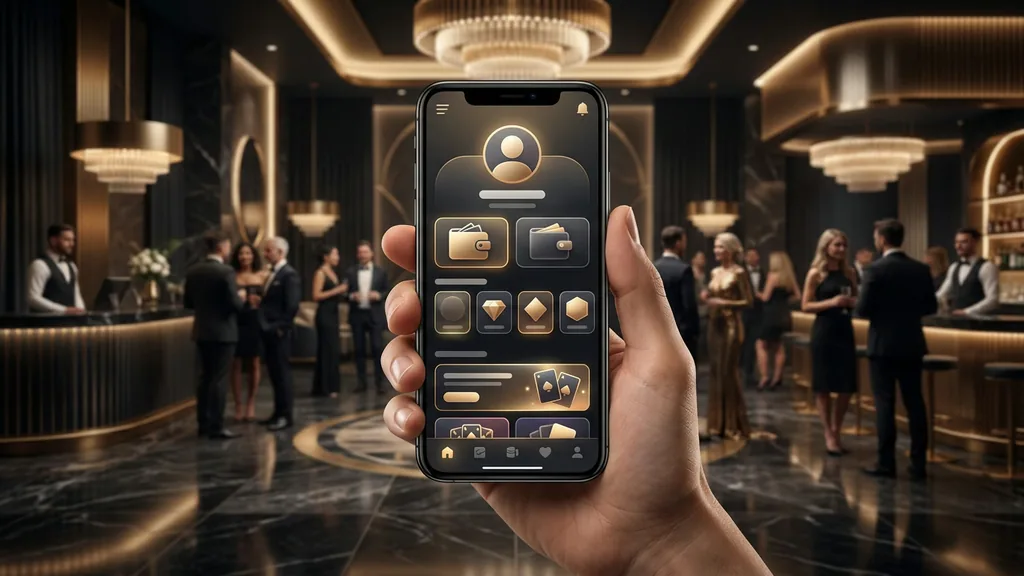
The first minute after opening Duel Casino App is usually about setup, not play. Most people jump straight into the lobby, but it pays to check login status, profile details, and any first-time prompts first. If the app came through a Duel App Download or browser shortcut, the welcome screen can look slightly different. Either way, the order of steps is mostly the same.
A well-built Duel Application should make it easy to resume where you left off, and it should also guide new users toward verification and basic account settings. That means you can get to games faster once your profile and preferences are in place. It also helps you avoid confusion later when you want to deposit, withdraw, or change notification settings. The cleaner the setup, the easier the app feels on a small screen.
What should you do first inside the app?
Start by opening the lobby, checking your balance display, and confirming that your account name is correct. If the site asks for verification, complete it early so you are not blocked later when you want to use a feature inside the Duel Casino App. It is also smart to review language, time zone, and notification preferences right away. Those small details shape the rest of the experience.
After that, save your favourite games and look at the support and cashier areas before you play. If you used a fresh Duel Download, you may need to sign in once more or approve a security prompt from your device. Do not rush past those messages; they help the app remember your session correctly. Once everything is set, the mobile lobby should feel much more familiar.
Key Features of the Duel Casino App for Players
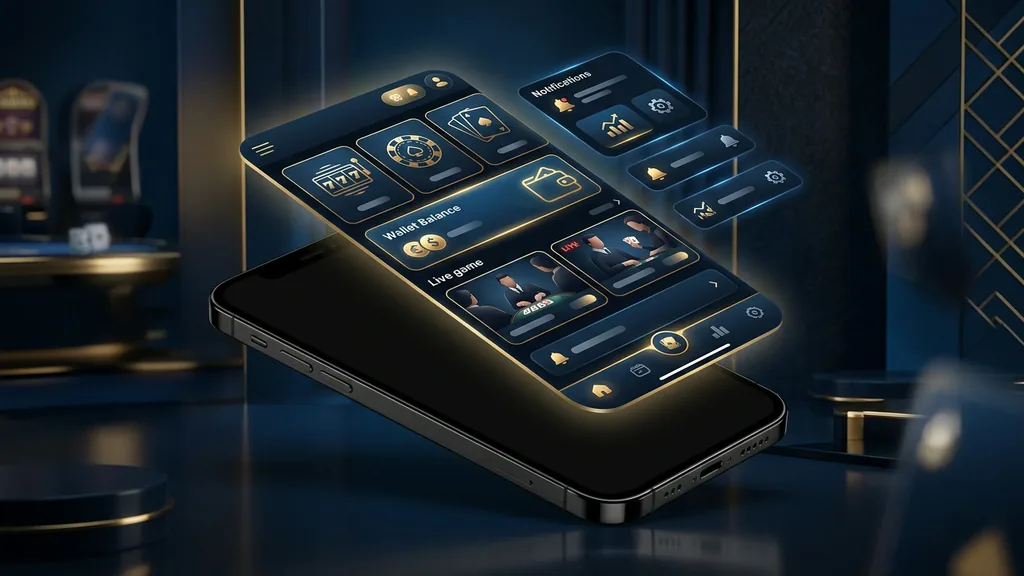
The strongest part of a modern Duel Casino App is usually not one flashy feature, but how many small tasks it makes quicker. A good Duel App reduces taps, trims loading time, and keeps the lobby readable on a small screen. That matters when you want to switch from slots to table games without getting lost. It also matters when you need your account tools in a hurry.
Mobile players tend to notice convenience features first, then security and account control. With the right Duel Application, you can move between games, promotions, and payment areas without opening a dozen separate pages. A smart design also keeps the app feeling light enough that it does not drain attention or battery. That balance is what makes the download feel worthwhile in daily use.
Which mobile features actually help players most?
The most practical features are the ones you use repeatedly: quick lobby navigation, clear categories, search tools, and fast account access. Those details make Duel Download users feel like the app remembers their habits rather than making them start over each time. If the interface is clean, you can spot live games, favourites, and support links with very little effort. That lowers friction during short mobile sessions.
Other useful features include balance visibility, notification controls, and device-friendly layouts that adjust to smaller screens. A well-designed Duel Casino Download experience also keeps menus consistent so you do not have to relearn the interface every time you log in. That consistency is especially helpful when you are switching between portrait and landscape modes. It turns the app into a tool instead of just another screen.